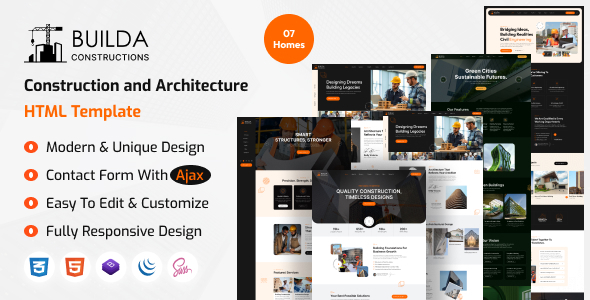
Project Overview
Builda is a multi-homepage HTML template designed for the construction and interior design industry, offering 10 different homepage variations (commercial construction, modern architecture, industrial solutions, etc.). It includes complete pages for services, project showcase, blog, pricing, appointment forms, and more, ready to be used as a corporate website or portfolio site.
Tech Stack
- HTML5 / CSS3 (static pages)
- Bootstrap 5
- jQuery
- Font Awesome 6
- Google Fonts (Outfit + Inter)
Project Structure
buildahtml-10/
├── documentation/          # Template usage documentation
│   ├── index.html
│   ├── css/
│   └── images/
└── download-version/       # Ready-to-use complete template
    ├── assets/
    │   ├── css/style.css
    │   └── js/main.js
    ├── index.html          # Homepage (Commercial Construction)
    ├── home-1.html ~ home-10.html
    ├── about.html
    ├── blog.html
    ├── contact.html
    ├── project.html
    ├── pricing.html
    └── mail.php             # Contact form backend
Core Files Description
download-version/index.html— Main homepage entry filedownload-version/assets/css/style.css— All style definitionsdownload-version/assets/js/main.js— Interactive logic (mobile menu, scrolling, lightbox, etc.)download-version/home-*.html— Various homepage variants, choose as neededdownload-version/mail.php— Contact form email sending scriptdocumentation/index.html— Official documentation with instructions on color scheme, logo replacement, etc.
Quick Start
Open download-version/index.html directly in your browser, or deploy it to any static server (e.g., VS Code Live Server, Nginx).
To enable the contact form, deploy mail.php to a server that supports PHP and modify the form's action path.
Usage Suggestions
Select the closest matching version from the 10 homepages based on your target industry style as a starting point, then adjust the brand colors using CSS variables (e.g., --theme-color) in style.css. Replace placeholder images with actual project assets.
