Project Overview
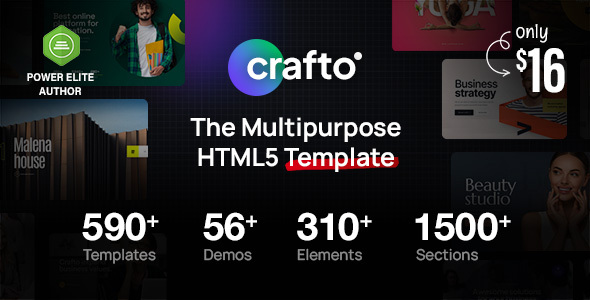
Crafto is a versatile HTML5 website template by ThemeZaa, built on Bootstrap 5, featuring 52+ pre-built demo sites covering industries such as enterprise, marketing, beauty, construction, branding, and consulting. It includes SCSS source code and a complete Gulp build workflow, ideal for quickly launching various website projects.
Tech Stack
- HTML5 + Bootstrap 5
- SCSS (Sass)
- Gulp 4 (Sass compilation, CSS/JS minification, BrowserSync)
- Slider Revolution animations
Project Structure
Crafto/
├── documentation/          # Template documentation entry page
│   ├── index.html
│   ├── css/style.css
│   └── images/
├── html/                   # Template main directory
│   ├── index.html          # Homepage entry
│   ├── gulpfile.js         # Gulp build configuration
│   ├── package.json
│   ├── maintenance.html    # Maintenance mode page
│   ├── demo-*.html         # 52+ pre-built demo pages
│   ├── css/
│   ├── js/
│   └── images/
Key File Descriptions
html/gulpfile.js— Defines build tasks: Sass compilation, CSS/JS concatenation and minification, BrowserSync live reloadhtml/package.json— Project dependency declarations, including gulp, sass, browser-sync, etc.html/index.html— Main template entry; top navigation includes links to all 52+ demo siteshtml/maintenance.html— Website maintenance mode page with subscription notification formdocumentation/index.html— Template documentation center entry pagedocumentation/css/style.css— Documentation page styles, responsive layout for multiple devices
Quick Start
cd html
npm install
npx gulp
The browser will automatically open http://localhost:3000. After modifying files in sass/**/*.scss, CSS will be automatically compiled and refreshed.
Usage Suggestions
All project source code uses SCSS. To customize theme styles, directly modify the corresponding variable files in the sass/ directory. For simple adjustments, you can override styles directly in the generated css/style.css. The 52+ demo pages can be copied directly to the html/ root directory for use.
