Project Overview
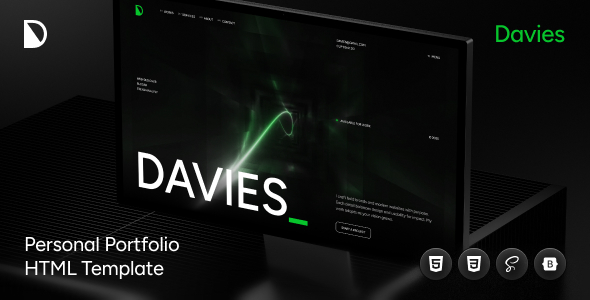
Davies is an HTML5 template designed for personal portfolio and resume display, suitable for developers, designers, and freelancers building personal brand sites. It features two homepage styles, supports responsive layout and SEO optimization, and can be used directly for online resumes, CVs, or portfolio pages.
Tech Stack
- HTML5 + Bootstrap 5
- SCSS (SASS)
- Vanilla JavaScript
- Swiper.js (carousel component)
- Google Fonts (Open Sans)
Project Structure
text
davies/
├── index.html              # Homepage
├── landing.html            # Landing page
├── version-2.html          # Homepage variant
├── 404.html                # 404 error page
├── blog-single.html        # Blog detail page
├── blog-standard.html      # Standard blog page
├── blog-two-columns.html   # Two-column blog
├── blog-three-columns.html # Three-column blog
└── assets/
    ├── scss/               # SCSS source files
    ├── css/                # Compiled styles
    ├── js/                 # Interactive scripts
    ├── images/             # Image assets
    └── icon/               # Icon fonts
Core File Description
index.html— Main template entry homepageassets/scss/— SCSS source files, edit here for style modificationsassets/css/styles.css— Compiled main stylesheetassets/js/— Contains Swiper, jQuery Easing, and other interactive scriptsdocumentation/— Official documentation (includes template usage guide)
Quick Start
- Open
index.htmldirectly in a browser to preview - To customize styles, edit SCSS and run:
text
sass assets/scss/app.scss assets/css/styles.css --watch
Usage Suggestions
Ideal for personal portfolio or online resume sites; the template includes complete sections like blog and contact pages, which can be added or removed as needed. SCSS is well-organized, so it's recommended to review the assets/scss/ directory structure before making modifications.
