Project Overview
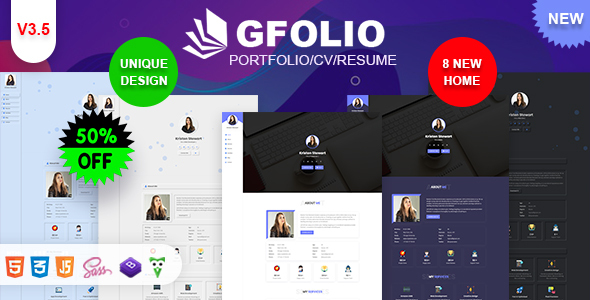
GFolio is a complete set of personal resume / CV / portfolio static webpage templates built on Bootstrap 4, offering dark, light, and multiple navigation layout variants. It is suitable for freelancers, designers, and developers to quickly build personal showcase websites.
Tech Stack
- Bootstrap 4 (responsive grid and components)
- Font Awesome 5 (icons)
- Wow.js (scroll animations)
- Typed.js (typewriter effect)
- jQuery (DOM manipulation and interactions)
Project Structure
text
gvoliohtml-30/
├── documentation/          # Official documentation
│   ├── index.html
│   └── css/style.css
└── html/                   # Template main body
    ├── dark/               # Dark variant A
    ├── dark2/              # Dark variant B
    ├── light/              # Light variant A
    ├── light2/             # Light variant B
    ├── v3-one/             # v3 variant A (with video homepage)
    └── v3-two/             # v3 variant B (with video homepage)
        └── assets/         # Shared resources for all variants (css/js/images)
Core File Description
html/*/index.html— Homepage entry, includes self-introduction, resume, services, portfolio, blog, and contact sectionshtml/*/portfolios.html— Portfolio showcase pagehtml/*/blogs.html— Blog listing pagehtml/*/assets/css/style.css— Main stylesheet, controls overall layout and color schemehtml/*/assets/css/multicolor.css— Multi-color configuration, overrides theme colorshtml/*/assets/js/plugin.js— Third-party plugin initialization (Typed.js, Wow.js, etc.)
Quick Start
- Enter any variant folder under the
html/directory - Double-click
index.htmlto open it directly in your browser for preview - Modify personal information in
index.htmland images underassets/images/to complete customization
Usage Suggestions
Each variant includes a complete set of pages (homepage, blog, portfolio, and detail pages). You can choose the color scheme and navigation style as needed; all image resources are placeholder images and should be replaced with real content before going live.
