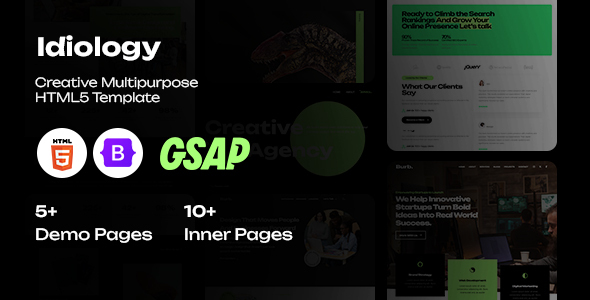
Project Overview
Idiology is a versatile HTML5 website template suitable for digital agencies, creative agencies, design studios, startups, personal portfolios, and photography. The template includes 6 homepage styles and complete pages for About Us, Services, Blog, Projects, and Contact — ready to edit and use after download.
Tech Stack
- HTML5 + Semantic Tags
- Bootstrap 5 (Navigation, Grid, Forms, etc.)
- Font Awesome 6 (Icon Library)
- Bootstrap Icons (Auxiliary Icons)
- Simple Line Icons (Auxiliary Icons)
- Owl Carousel (Carousel/Slider)
- Magnific Popup (Image/Video Lightbox)
- Animate.css (Interactive Animations)
Project Structure
text
Idiology-HTML-Full-Source/
├── DOCUMENTATION/
│   └── index.html          # Usage Documentation
└── HTML/
    ├── index.html          # Digital Agency Homepage
    ├── creative-agency.html
    ├── design-studio.html
    ├── digital-agency.html
    ├── personal-portfolio.html
    ├── photography.html
    ├── startup-agency.html
    ├── about-us.html
    ├── about-us-2.html
    ├── services.html
    ├── services-details.html
    ├── blogs.html
    ├── blog-details.html
    ├── projects.html
    ├── project-details.html
    ├── project-digital.html
    ├── project-studio.html
    ├── contact.html
    └── assets/
        ├── css/
        ├── fonts/
        ├── img/
        └── js/
Key File Descriptions
HTML/index.html— Digital Agency style homepage entry pointHTML/assets/css/master.css— Main stylesheet defining global layout and componentsHTML/assets/css/*.css— Homepage-specific styles (e.g., digital-agency.css, photography.css)HTML/assets/js/— jQuery plugins and custom scriptsHTML/contact.html— Contact page with form and map placeholderDOCUMENTATION/index.html— Official usage documentation with template structure details
Quick Start
- Upload the contents of the
Idiology-HTML-Full-Source/HTMLfolder to your server; - Open
index.htmldirectly in a browser to preview; - Replace images: swap placeholder images in the
assets/img/directory; - Background images: search for
data-src=in the HTML and update the paths.
Usage Tips
The template uses placeholder images by default — replace them with actual images before deployment. For client projects, it's recommended to deploy in a subdirectory rather than the root to avoid conflicts with future projects. Page transition animations are implemented via the loading-overlay class and can be adjusted or removed as needed.
