Project Overview
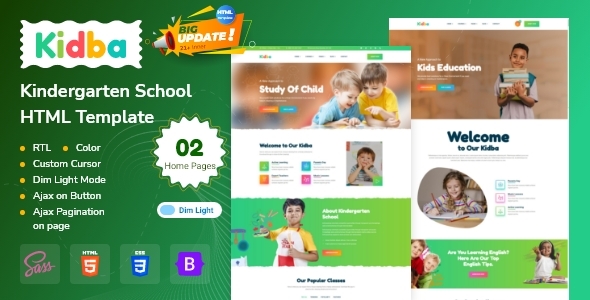
Kidba is a multi-page HTML template designed for kindergartens, primary schools, and educational training institutions. It features a modern design style and includes functional pages such as homepage variants, course displays, teacher introductions, blogs, shops, and shopping carts. The template comes with built-in dark/light mode switching and LTR/RTL layout toggling.
Tech Stack
- Bootstrap 5.x (responsive layout framework)
- jQuery (DOM manipulation and interactions)
- Slick (carousel component)
- Google Fonts (Fredoka One, Open Sans, Roboto)
- Static HTML/CSS (no build tools required)
Project Structure
text
kidbahtml-10/
├── documentation/          # Official documentation
│   ├── index.html
│   └── assets/
├── kidba/                  # Main production template directory
│   ├── index.html          # Homepage
│   ├── index-2.html        # Homepage variant
│   ├── about.html          # About Us
│   ├── class.html          # Course list
│   ├── class-2.html        # Course list variant
│   ├── class-details.html  # Course details
│   ├── staff.html          # Teacher team
│   ├── staff-details.html  # Teacher details
│   ├── blog.html           # Blog list
│   ├── blog-details.html   # Blog details
│   ├── shop.html           # Shop
│   ├── shop-details.html   # Product details
│   ├── cart.html           # Shopping cart
│   ├── checkout.html       # Checkout
│   ├── contact.html        # Contact Us
│   ├── signin.html         # Sign In
│   ├── signup.html         # Sign Up
│   ├── error.html          # Error page
│   └── assets/
│       ├── css/            # Stylesheets
│       ├── fonts/          # Icon fonts
│       └── images/         # Image resources
Core File Description
kidba/index.html— Main template entry homepage, includes preloader animation and theme switching panelkidba/assets/css/style.css— Global stylesheet defining all theme variables such as colors, fonts, and layoutkidba/assets/css/bootstrap.min.css— Bootstrap core styles providing grid system and basic componentskidba/assets/js/— Collection of jQuery plugins (including Slick carousel, jQuery Easing animations, etc.)documentation/index.html— Official usage documentation with page descriptions and customization guides
Quick Start
Simply open kidba/index.html in your browser to preview all pages. For deployment, upload the contents of the kidba folder to your server.
Usage Suggestions
- All template pages are static HTML; replace images and text content according to your actual business needs. The logo is located in the
assets/images/logo/directory. - The sidebar management panel (click the settings icon in the top right corner of the homepage) allows you to preview different page variants, making it easy to select and then customize accordingly.
