Project Overview
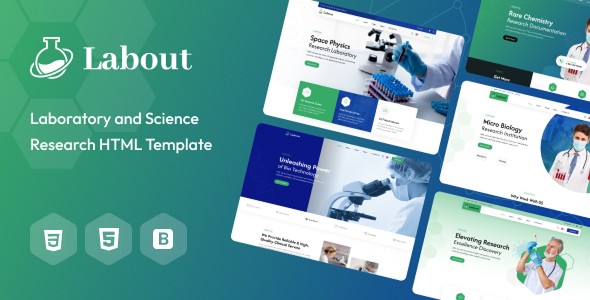
Labout is a responsive HTML 5 enterprise showcase template based on Bootstrap, suitable for building official websites for laboratories, research institutions, or service-oriented companies. The template includes multiple pages such as Home, About, Blog, Services, Team, Events, and Contact, and provides RTL/LTR bilingual mode switching and theme color switching functionality.
Tech Stack
- Bootstrap 5.2.0 (responsive layout framework)
- jQuery (DOM manipulation and interaction)
- Font Awesome (icon library)
- Plugins: Nice Select, Owl Carousel, etc.
- Google Fonts (Afacad, Inter fonts)
- PHP (sendemail.php provides contact form email sending)
Project Structure
text
labouthtml-10/Labout Pack/
├── Doc/                          # Template documentation directory
│   ├── index.html                # Documentation entry page
│   ├── css/
│   │   ├── bootstrap.css
│   │   ├── font-awesome.css
│   │   ├── scrollbar.css
│   │   └── style.css
│   ├── fonts/
│   └── images/
│       ├── logo.png
│       └── mail-setting.png
│       └── map-setting.png
│   └── js/
│       ├── bootstrap.min.js
│       ├── jquery.js
│       ├── jquery.nav.js
│       ├── jquery.scrollTo.js
│       ├── respond.js
│       ├── script.js
│       └── scrollbar.js
└── Labout/                       # Template actual files
    ├── index.html                # Home page
    ├── about.html, blog*.html, contact.html...
    ├── sendemail.php              # Contact form backend
    └── assets/
        ├── css/
        ├── images/
        └── js/
Core File Description
Labout/index.html— Template home page entry, includes navigation, carousel, service showcase and other modulesLabout/sendemail.php— Email sending logic after contact form submission (requires email configuration)Labout/assets/css/style.css— Main stylesheet, defines global colors and layoutLabout/assets/css/module-css/— Styles split by functional modules (e.g., banner, service, team)Doc/index.html— Template usage documentation, explains HTML structure, CSS organization, JS functionality, etc.Doc/css/style.css— Documentation page's own stylesheet
Quick Start
- Navigate to the
labouthtml-10/Labout Pack/Labout/directory - Open
index.htmldirectly in your browser to preview the full effect - To use the contact form, deploy
sendemail.phpto a PHP environment and modify theRECIPIENT_EMAILin the file to your target email address
Usage Suggestions
- For production projects, deploy
sendemail.phpto a PHP-supported server and take precautions against spam injection - The template includes multiple built-in theme colors (switchable via the top-right color switcher). You can modify the color values in
assets/css/color/theme-color.cssto match your brand requirements
