Project Overview
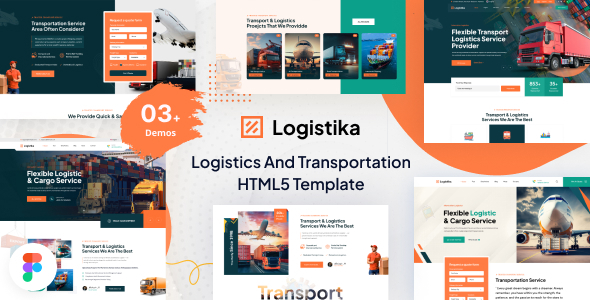
Logistika is a corporate website HTML template for the transportation and logistics industry, built on Bootstrap 5. It provides complete pages including homepage, services, blog, shop, and tracking page, suitable for logistics companies, freight forwarders, or cross-border transportation businesses to quickly build their official website.
Tech Stack
- Bootstrap 5.0.1
- SASS (style source files)
- Vanilla JavaScript (jQuery and custom scripts)
- Font Awesome / Flaticon icon libraries
- Owl Carousel, Swiper, and other carousel components
Project Structure
text
downloadable/
├── documentation/          # Template usage documentation
│   ├── css/
│   ├── fonts/
│   ├── images/
│   ├── js/
│   └── index.html
└── logistika/              # Complete website template
    ├── assets/
    │   ├── css/
    │   ├── fonts/
    │   ├── images/
    │   ├── js/
    │   └── sass/
    ├── index.html          # Homepage entry
    ├── about.html
    ├── contact.html
    ├── services.html
    ├── tracking.html
    └── ...
Core File Description
logistika/index.html— Homepage with top navigation, preloader animation, and carousel bannerlogistika/assets/sass/style.scss— SASS source file defining global style variables and layoutlogistika/assets/css/— Compiled CSS including Bootstrap overrides and theme styleslogistika/assets/js/script.js— Page interaction logic (navigation, scrolling, animations, etc.)documentation/index.html— Template configuration documentation
Quick Start
- Deploy the
downloadable/logistika/directory to a web server (or preview directly using VS Code Live Server) - Open
index.htmlin your browser to see the complete result
Usage Suggestions
- To customize colors or styles, prioritize modifying SCSS files in
assets/sass/and recompile; for simple adjustments, directly override the corresponding rules inassets/css/ - All page paths use relative paths, ensure the overall directory structure remains intact before going live
