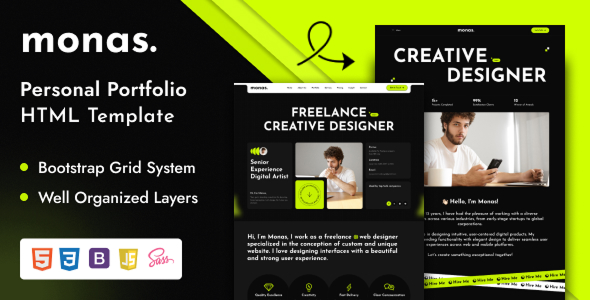
Project Overview
Monas is a set of static HTML personal portfolio templates, offering 4 homepage styles (Designer / Developer / Lawyer / Photographer). It includes built-in pages for blog, portfolio, services, and contact, supports responsive layout and form email sending, making it suitable for quickly building a personal brand or portfolio website.
Tech Stack
- HTML5 / CSS3
- Bootstrap 5
- SCSS preprocessor
- JavaScript (including Swiper, Odometer, Magnific Popup, etc.)
- PHP (only for contact form email sending)
Project Structure
text
monas-html/
  index.html          # Homepage - Designer
  index2.html         # Homepage - Developer
  index3.html         # Homepage - Lawyer
  index4.html         # Homepage - Photographer
  about-us.html       # About page
  blog.html           # Blog list
  blog-details.html   # Blog post detail
  contact-us.html     # Contact us
  portfolio.html      # Portfolio
  portfolio-details.html
  service.html        # Services list
  service-details.html
  mail.php            # Form email handler
  assets/             # Static assets: CSS, JS, images, etc.
Key Files
index.html~index4.html— Four homepage templates for different professionscontact-us.html— Form page, works withmail.phpfor email sendingmail.php— Email sending script, requires updating the recipient email addressassets/scss/main.scss— SCSS source, compiles toassets/css/main.cssassets/css/— Compiled CSS, includes Bootstrap and related plugin styles
Quick Start
- Upload the
monas-html/directory to your server via FTP (usually topublic_html) - Update
$recipientinmail.phpwith your actual email address - Open
index.htmlin a browser for local preview
Usage Tips
- To customize styles, edit files in
assets/scss/and runsass --watch assets/scss/main.scss:assets/css/main.cssfor live compilation - Ensure your server environment supports PHP (only required for the contact form page)
