Project Overview
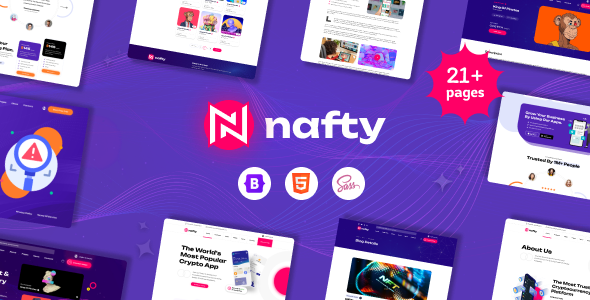
Nafty is a set of static HTML landing page templates for NFT (Non-Fungible Token) projects, including 20+ complete pages such as Home, About, Collection, Blog, Contact, etc. Suitable for crypto art platforms, digital collectible marketplaces, or blockchain game websites. The template is built on Bootstrap 5, responsive, and supports multiple homepage style variants.
Tech Stack
- Bootstrap 5 (Responsive Framework)
- jQuery (Interactive Scripts)
- Font Awesome (Icon Library)
- Slick Slider (Carousel Component)
- Animate.css (Scroll Animations)
- Google Fonts: Unbounded (Primary Font)
Project Structure
text
naftyhtml-10/
├── documentation/          # Template usage documentation (CSS/JS structure explanation)
│   ├── css/
│   ├── js/
│   └── index.html
└── nafty/                  # Main template directory
    ├── index.html          # Homepage (three versions: index-2/3.html)
    ├── about.html           # About page (three variants)
    ├── collections.html     # Collections page
    ├── blog.html            # Blog list
    ├── blog-single.html     # Blog detail
    ├── contact.html         # Contact page
    ├── admin.html           # Admin dashboard
    ├── login.html           # Login page
    ├── pricing.html         # Pricing page
    ├── profile.html         # User profile page
    ├── error.html           # 404 error page
    └── assets/
        ├── css/             # Stylesheets (style.css is the main stylesheet)
        └── js/              # JavaScript files
Key Files
nafty/index.html— Homepage entry, includes navigation, search bar, collection display sectionsnafty/assets/css/style.css— Main stylesheet, defines theme colors, fonts, typographynafty/assets/css/bootstrap.min.css— Bootstrap 5 base stylesnafty/assets/css/slick.css— Slick carousel component stylesdocumentation/index.html— Official documentation, includes HTML structure and dependency explanationsdocumentation/css/style.css— Documentation site styles
Quick Start
Simply open naftyhtml-10/nafty/index.html in your browser to preview. For a local server (recommended), run:
bash
npx serve naftyhtml-10/nafty
# or
python -m http.server 8080 -d naftyhtml-10/nafty
Usage Suggestions
- Before production use, replace external CDN resources (e.g., Google Fonts) with local files to ensure accessibility in intranet environments
- CSS variables (e.g.,
--theme-color1) are defined inassets/css/style.css— modify theme colors here for global changes
