Project Overview
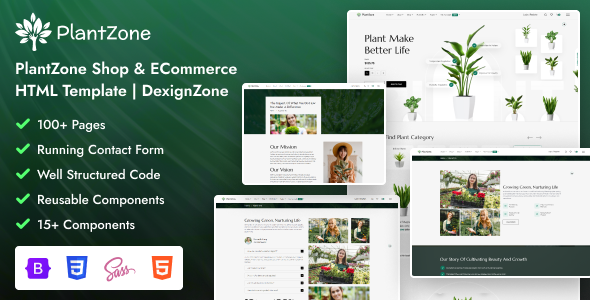
PlantZone is a responsive HTML template for plant/gardening e-commerce, developed by DexignZone. The template includes complete page templates for store, blog, account management, etc., suitable for building online shops for green plants, flowers, or gardening supplies.
Tech Stack
- HTML5 + Bootstrap 5.3
- SCSS (with CSS compilation instructions) + Native CSS
- JavaScript (including jQuery, Swiper, lightGallery, and other plugins)
- Icon Libraries: FontAwesome, Feather, Themify, Iconly, Flaticon
Project Structure
text
plantzonehtml-111/PlantZone-v1.1.1-22_February_2025/
├── doc/                    # Documentation pages and style references
│   ├── index.html
│   ├── css/style.css
│   └── plugins/
├── xhtml/                  # Main template (primary usage)
│   ├── index.html          # Homepage entry
│   ├── css/
│   │   ├── style.css       # Main stylesheet
│   │   └── custom.css      # Custom styles
│   ├── images/
│   ├── js/
│   ├── icons/
│   └── *.html              # Feature page templates
Core File Description
xhtml/index.html— Website homepage entry filexhtml/css/style.css— Main stylesheet (includes Bootstrap variable overrides)doc/index.html— Template documentation pagexhtml/css/custom.css— For adding custom stylesxhtml/js/custom.js— Custom interaction scripts (located in doc/js/)
Quick Start
Simply open xhtml/index.html in a browser to preview the main page. To modify styles, edit the corresponding CSS files in the xhtml/css/ directory.
Usage Recommendations
The template includes many pre-built pages (e.g., blog, account, store, etc.). You can directly copy HTML files from the xhtml/ directory for secondary development. Note that the doc/ directory contains documentation; the actual project should be customized based on xhtml/.
