Project Overview
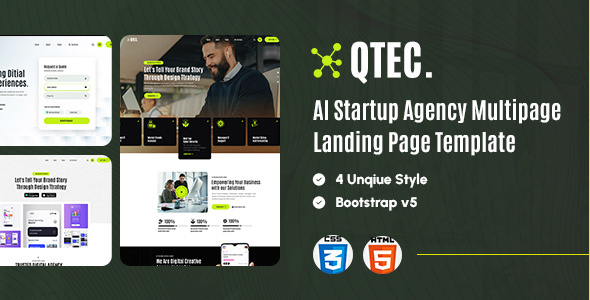
QtecAi is a set of HTML multi-page landing page templates designed for creative startups / consulting agencies. It includes 4 different layout styles (Agency, Digital Marketing, App Showcase, etc.), all built with pure frontend technologies, suitable for quickly building corporate showcase pages or promotional landing sites.
Tech Stack
- HTML5 / CSS3 (Native + Bootstrap 5.3.5)
- JavaScript (jQuery 1.11 + Swiper 11 Carousel)
- Font Awesome 6.7.2
- Google Fonts (Lato / Jost)
Project Structure
qtechhtml-10/
├── documentation/          # Template usage documentation
│   ├── css/main.css
│   └── index.html
└── qtec_AI/
    ├── landing1/           # Agency style homepage
    ├── landing2/           # Marketing page with contact form
    ├── landing3/           # App showcase page
    └── landing4/           # Brand story showcase page
        └── index.html
Key File Descriptions
qtec_AI/landing1/index.html— Main entry file, includes Hero + carousel navigation structureassets/src/css/theme/qtec.css— Core theme stylesassets/src/css/framework/bootstrap.min.css— Responsive layout dependencyassets/public/images/— Page image assets directorydocumentation/index.html— Official usage documentation
Quick Start
Simply open the index.html file in the corresponding landing directory with a browser to preview. For a local development server, use:
npx serve qtec_AI/landing1
Usage Suggestions
The 4 landing pages share highly consistent structure and navigation components. It is recommended to choose the appropriate layout based on your actual business needs, then replace the logo, images, and copy. Google Fonts and CDN resources in the pages require an active network connection to display correctly.
