Project Introduction
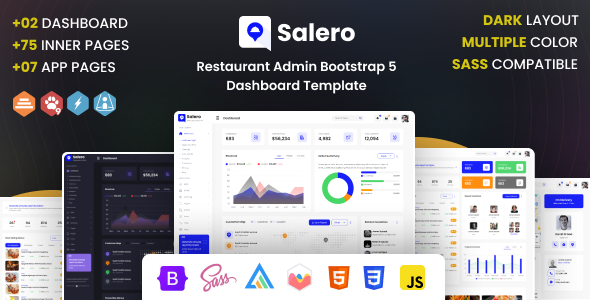
Salero is a Bootstrap 5-based restaurant management admin template, featuring complete page components (such as charts, email, e-commerce, chat, dashboard, etc.), suitable for quickly building management systems for restaurants or food delivery platforms.
Tech Stack
- Bootstrap 5
- jQuery
- SCSS
- Chart.js / Chartist.js / Flot / Morris (chart libraries)
- Font Awesome / Material Design Icons / Line Awesome and other icon sets
- AOS animations, Animate.css, Perfect Scrollbar, MetisMenu and other UI components
Project Structure
text
saleroadmin-11/Salero-v1.1-30-June-2023/
├── doc/                          # Template documentation (includes static HTML demos)
│   ├── css/                      # Bootstrap and style files
│   ├── js/                       # jQuery and interaction scripts
│   ├── fonts/                    # Icon font files
│   ├── images/                   # Documentation images
│   └── index.html                # Documentation entry page
└── xhtml/                        # Official template files
    ├── css/style.css             # Main stylesheet (compiled from SCSS)
    ├── js/                       # Page scripts
    ├── icons/                    # Multiple icon font sets
    ├── vendor/                   # Third-party plugins (charts, scrollbars, etc.)
    └── *.html                    # Pages (dashboard, tables, forms, e-commerce, etc.)
Core File Description
xhtml/index.html— Main dashboard entry, includes top navigation, sidebar, chart areaxhtml/css/style.css— Compiled global stylesheet, defines colors, layout, gradients, and other theme variablesdoc/index.html— Official documentation page, includes Sass compilation instructions and usage guidedoc/js/main.js— Page switching and sidebar collapse logic for the documentation pagexhtml/js/layout-dark.js— Dark theme toggle script
Quick Start
- Open
xhtml/index.htmldirectly in a browser to preview the full admin interface - To modify styles, navigate to
xhtml/scss/main.scssand usenode-sass --watch scss/main.scss css/style.cssfor live compilation
Usage Suggestions
The HTML pages in the xhtml directory are standalone pages that can be copied directly or used as route pages in an SPA; it is recommended to connect to real data APIs via backend rendering or a static site generator (Next.js/Nuxt).
