Project Overview
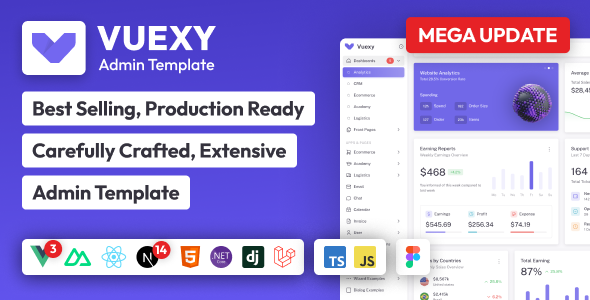
Vuexy Bootstrap 5 .NET Core MVC Admin Dashboard Template is a fully-featured enterprise-level backend management system built on Bootstrap 5. It provides a rich set of frontend components and build toolchains, suitable for rapidly developing admin panels, data visualization dashboards, and other web applications.
Tech Stack
- Bootstrap 5.3.3 (UI Framework)
- .NET Core MVC (Backend Framework)
- Gulp 4 (Task Automation)
- Webpack 5 (Asset Bundling)
- Chart.js, DataTables, Flatpickr, Quill, and other mainstream frontend libraries
Project Structure
text
vuexy-1070/aspnet-core/MVC/
├── AspnetCoreMvcFull/          # Full version project
│   ├── package.json            # Frontend dependencies and build scripts
│   └── appsettings.Development.json  # Development environment configuration
├── Razor Pages/                # Razor Pages version
└── README.md                   # Documentation
Key File Descriptions
AspnetCoreMvcFull/package.json— Frontend dependency declarations and build/serve commandsAspnetCoreMvcFull/appsettings.Development.json— ASP.NET Core development environment logging configurationLicensing/— Commercial license agreements (GPL/License)
Quick Start
bash
cd vuexy-1070/aspnet-core/MVC/AspnetCoreMvcFull

# Install frontend dependencies
npm install

# Development mode (build + hot reload server)
npm run serve

# Production build
npm run build:prod
To run the backend, you need the .NET SDK. Execute dotnet run or open the project in Visual Studio.
Usage Recommendations
This template is commercially licensed and suitable for admin panel projects that require rapid delivery and complete functionality. Note that asset files are processed via Gulp. For first-time use, it is recommended to run npm run serve first to verify the build pipeline is working correctly.
